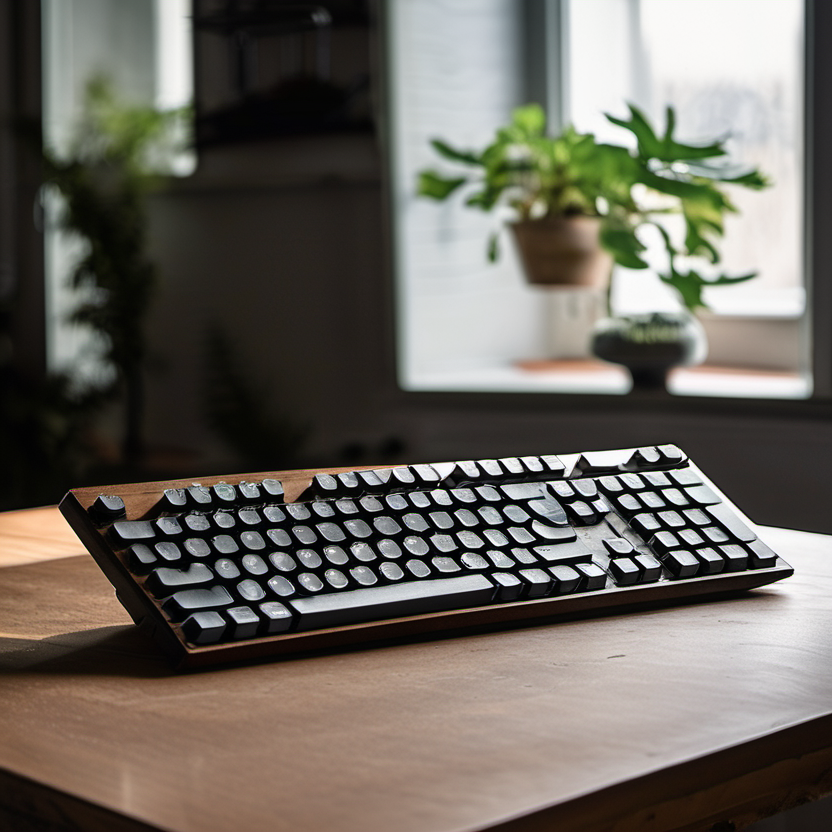
An evidence-conscious framework for comparing current options without invented rankings, specifications, or personal testing claims.
The best budget mechanical keyboard for typing is personal: it must fit your hands, desk, workflow, and sound tolerance. Switch color names and influencer preferences are not substitutes for layout, key feel, and return terms. This guide helps you compare current keyboards without claiming a universal ranking or relying on unverified specifications.
How Tech4Go approaches this category
We separate decision criteria from product claims. Prices, bundles, firmware, availability, and regional variants change frequently, so no product is presented here as a permanent winner. Before naming a recommendation in a future update, Tech4Go should document the exact model number, source the claim to the manufacturer or other primary documentation, date-check price information, and label any independent testing clearly. Reader needs also come first: a feature is valuable only when it solves a real constraint.
Build a short comparison table using current official pages, downloadable manuals, warranty terms, and reputable sellers. Keep a link or saved copy of each source, because retailer bullets can be incomplete. When a maker’s statement is ambiguous, treat it as unconfirmed rather than filling the gap with an assumption. This discipline helps avoid buying a familiar name with the wrong configuration.
What to compare before you buy
- Choose the layout before the switch. Decide whether you need a number pad, navigation cluster, function row, dedicated media keys, or a compact footprint. Check the exact physical layout and regional key legends in product photos and documentation.
- Understand switches as a feel preference, not a quality score. Look for manufacturer descriptions of linear, tactile, or clicky behavior, then try a sample or buy with a return option. Force and travel figures are useful only when measured consistently.
- Assess typing ergonomics: case height, adjustable feet, wrist position, keycap profile, stabilizer feel, and desk height. A comfortable posture and sensible breaks typically matter more than a feature checklist.
- Verify connection modes and limits. Check wired, wireless, and Bluetooth support; device switching; operating-system compatibility; battery expectations; charging behavior; and whether software is optional or required.
- Consider maintenance and longevity. Confirm keycap material and legends, replaceable switches if that matters to you, spare parts, cleaning guidance, and warranty coverage. Do not assume “hot-swappable” means every switch format is compatible.
Verify the current product, price, and terms
Use a final verification pass on the day you purchase. Match the retailer SKU to the manufacturer model number and confirm the included configuration. Check the current sale price against the ordinary price, shipping, tax, accessories, service plans, and any required subscription. A “from” price may refer to a stripped-down version, a limited color, or a time-limited promotion. If a comparison site gives a measurement or benchmark, read its methodology and confirm the unit it reviewed.
- Compare the exact layout, switch option, and firmware/software support—not only the keyboard family name.
- Read the manual for remapping, pairing, and onboard-profile limits.
- Use a return window to evaluate comfort and noise in your own workspace.
For safeguards around online purchases, consult OSHA’s computer workstation eTool. The linked resource is provided as general consumer information, not as a claim that it endorses any product in this guide.
A practical shortlist method
Limit the shortlist to two or three exact configurations that pass the non-negotiables. Then rank them for your situation: required compatibility first, daily usability second, total ownership cost third, and nice-to-have features last. If the best-priced option fails a non-negotiable, it is not actually the better value. Keep screenshots of the listing, specifications, and terms so you can compare what arrives with what was promised.
Finally, give yourself a realistic testing plan. Set up the item in the intended room or routine, use the features you depend on, and check for fit, reliability, and account requirements before the return window closes. This is more useful than chasing a generic “best” label. Compare office-focused options in our ergonomic keyboards guide. For work listening considerations, see our noise-canceling headphones guide.
Bottom line
A sensible budget purchase is one whose exact configuration, current cost, and support terms you have verified—not one with the loudest claim. Use the checklist above, preserve the source details, and prioritize the constraints that affect your everyday use. When product data changes, revisit the official documentation and make the decision again from the current evidence.
Research-based mechanical keyboard picks for typing
How to use this shortlist: This is a research-based, feature-and-fit ranking from current official manufacturer pages, not hands-on testing. The order reflects the documented layout, connection, controls, and stated compatibility below—not typing feel, noise, durability, productivity performance, price, availability, or a review score. Confirm the exact switch, layout, current price, stock, operating-system support, and port requirements on the official page before buying.
1. Logitech G413 TKL SE — best documented compact wired candidate
Logitech lists tactile mechanical switches, a tenkeyless layout, USB 2.0 connectivity, white per-key lighting, six-key rollover with anti-ghosting, and a 650 g listed weight for the G413 TKL SE. Choose it if you want a smaller desk footprint and do not need a numeric keypad.
Limitations and compatibility check: Check the operating-system and USB-port requirements on the official page. “Tactile” describes the switch; it is not a promise about typing comfort, noise, or suitability for a shared room.
Official Logitech G413 TKL SE product page
2. HyperX Alloy Origins Core — best documented compact multi-platform candidate
HyperX lists a tenkeyless mechanical layout, a detachable USB-C cable, three adjustable angles, onboard memory for three profiles, N-key rollover/anti-ghosting, and stated compatibility with PC, PS5, PS4, Xbox Series X|S, and Xbox One. Choose it if a detachable cable and an explicit console list matter alongside a compact layout.
Limitations and compatibility check: Check the selected switch and regional layout, plus the device’s supported keyboard behavior. A listed platform is not proof that every game or platform feature works identically.
Official HyperX Alloy Origins Core product page
3. Razer BlackWidow V4 X — best documented full-size macro-key candidate
Razer lists wired connectivity, a full-size layout, six dedicated macro keys, RGB lighting, Razer mechanical switches, and doubleshot ABS keycaps for the BlackWidow V4 X. Choose it if you need a numeric keypad/full-size layout and dedicated macro keys.
Limitations and compatibility check: Confirm the selected switch option, regional layout, software requirements, and desk space. Macro capability is not evidence of typing quality or a productivity gain for every reader.
Official Razer BlackWidow V4 X product page
Quick path
- Need compact wired layout and can skip the number pad: start with the G413 TKL SE.
- Want a compact keyboard with detachable USB-C cable and stated console compatibility: compare the Alloy Origins Core.
- Need a full-size layout and dedicated macro keys: compare the BlackWidow V4 X.
Editorial disclosure: Tech4Go has not hands-on tested these products and does not claim comparative typing feel, noise, durability, performance, value, availability, or current pricing. Re-check the linked official manufacturer pages before purchase and on every substantive update.