An evidence-conscious framework for comparing current options without invented rankings, specifications, or personal testing claims.
A gaming monitor under $300 can be a focused performance purchase, but it must match the computer or console driving it. Screen size, resolution, refresh behavior, ports, and stand ergonomics are interdependent. This article is a buyer’s framework rather than a product ranking; confirm the exact version and current specifications before buying.
How Tech4Go approaches this category
We separate decision criteria from product claims. Prices, bundles, firmware, availability, and regional variants change frequently, so no product is presented here as a permanent winner. Before naming a recommendation in a future update, Tech4Go should document the exact model number, source the claim to the manufacturer or other primary documentation, date-check price information, and label any independent testing clearly. Reader needs also come first: a feature is valuable only when it solves a real constraint.
Build a short comparison table using current official pages, downloadable manuals, warranty terms, and reputable sellers. Keep a link or saved copy of each source, because retailer bullets can be incomplete. When a maker’s statement is ambiguous, treat it as unconfirmed rather than filling the gap with an assumption. This discipline helps avoid buying a familiar name with the wrong configuration.
What to compare before you buy
- Start with the source device. Note your graphics hardware, the games you play, desired frame rates, console output modes, and available ports. A display cannot create performance your system cannot produce, and compatibility may vary by input.
- Choose screen size and resolution together. Consider desk depth, text work, field of view, and how much graphics performance the native resolution demands. Compare pixel density as a comfort consideration rather than chasing a single “best” size.
- Verify refresh, response, and adaptive-sync claims in the manual and supported-mode table. Check which resolutions and refresh rates work over each port, whether settings are required, and whether the features you want can operate concurrently.
- Do not overlook panel and viewing needs. Consider motion preference, contrast in your room, brightness, glare, viewing angles, and color work. Independent measurements can help, but confirm that a review tested the same size and revision.
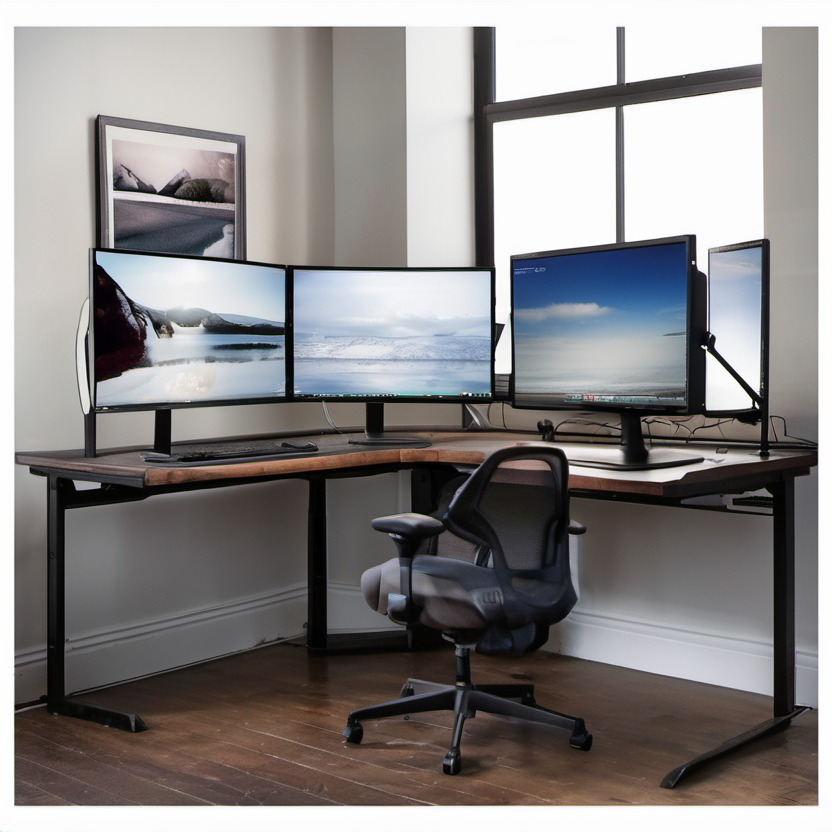
- Inspect the physical setup: stand height, tilt, pivot, VESA mounting, cable inclusion, USB functions, headphone output, menu controls, and warranty. A lower-cost panel can still need an ergonomic arm or different cable.
Verify the current product, price, and terms
Use a final verification pass on the day you purchase. Match the retailer SKU to the manufacturer model number and confirm the included configuration. Check the current sale price against the ordinary price, shipping, tax, accessories, service plans, and any required subscription. A “from” price may refer to a stripped-down version, a limited color, or a time-limited promotion. If a comparison site gives a measurement or benchmark, read its methodology and confirm the unit it reviewed.
- Compare official product pages and manuals for the exact size, suffix, and port behavior.
- Check current price, dead-pixel/return terms, and shipping damage policy before ordering.
- Test your own console or PC and preferred games during the return window.
For safeguards around online purchases, consult VESA’s DisplayPort overview. The linked resource is provided as general consumer information, not as a claim that it endorses any product in this guide.
A practical shortlist method
Limit the shortlist to two or three exact configurations that pass the non-negotiables. Then rank them for your situation: required compatibility first, daily usability second, total ownership cost third, and nice-to-have features last. If the best-priced option fails a non-negotiable, it is not actually the better value. Keep screenshots of the listing, specifications, and terms so you can compare what arrives with what was promised.
Finally, give yourself a realistic testing plan. Set up the item in the intended room or routine, use the features you depend on, and check for fit, reliability, and account requirements before the return window closes. This is more useful than chasing a generic “best” label. Extend your gaming setup research with our VR headset guide. For desktop comfort, review our ergonomic keyboard guide.
Bottom line
A sensible budget purchase is one whose exact configuration, current cost, and support terms you have verified—not one with the loudest claim. Use the checklist above, preserve the source details, and prioritize the constraints that affect your everyday use. When product data changes, revisit the official documentation and make the decision again from the current evidence.