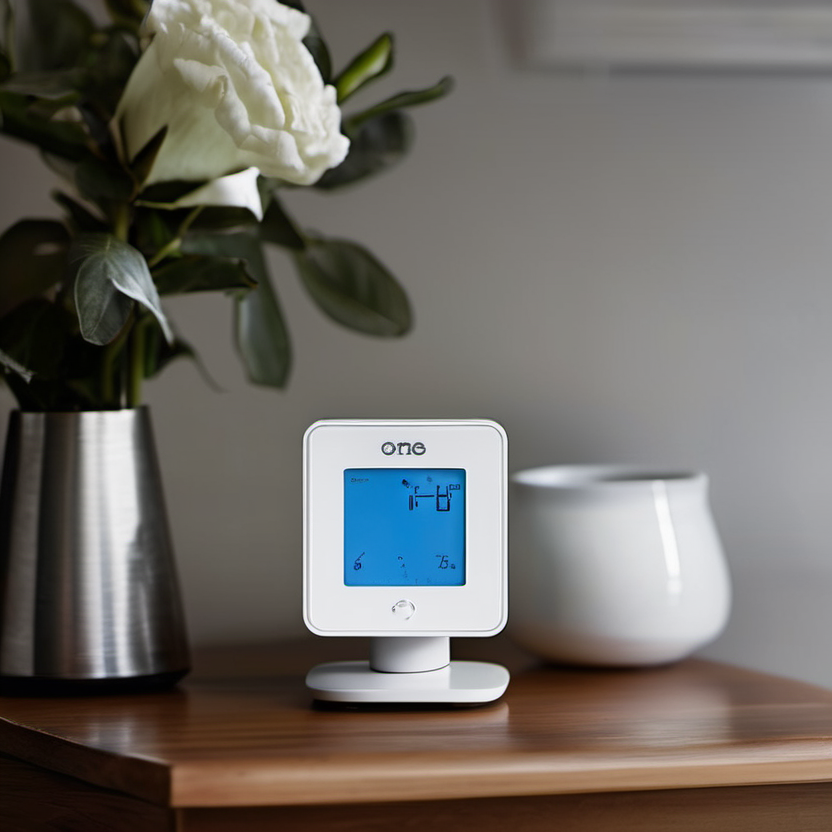
An evidence-conscious framework for comparing current options without invented rankings, specifications, or personal testing claims.
A budget smart thermostat can be a thoughtful upgrade, but compatibility comes before features. The lowest sticker price is not a saving if the thermostat cannot control your system, requires new wiring, or locks a useful function behind a service you do not want. Use this guide to evaluate current options without assuming that every home or product listing works the same way.
How Tech4Go approaches this category
We separate decision criteria from product claims. Prices, bundles, firmware, availability, and regional variants change frequently, so no product is presented here as a permanent winner. Before naming a recommendation in a future update, Tech4Go should document the exact model number, source the claim to the manufacturer or other primary documentation, date-check price information, and label any independent testing clearly. Reader needs also come first: a feature is valuable only when it solves a real constraint.
Build a short comparison table using current official pages, downloadable manuals, warranty terms, and reputable sellers. Keep a link or saved copy of each source, because retailer bullets can be incomplete. When a maker’s statement is ambiguous, treat it as unconfirmed rather than filling the gap with an assumption. This discipline helps avoid buying a familiar name with the wrong configuration.
What to compare before you buy
- Identify the heating and cooling equipment and photograph the existing thermostat wiring before shopping. Use the prospective manufacturer’s compatibility checker, and follow its terminology exactly. If labels or system type are unclear, pause and consult a qualified HVAC professional.
- Separate basic scheduling from remote control, occupancy features, sensor support, voice control, and energy reports. Choose the smallest feature set that solves a real household problem; extra automation can add setup and privacy trade-offs.
- Check power requirements, including whether a common wire, adapter, or professional installation is needed. Verify compatibility with heat pumps, multi-stage systems, humidifiers, and other accessories where applicable.
- Review account, cloud, and privacy practices before installation. Confirm what works locally or during an internet outage, who can access household controls, and whether data-sharing controls are understandable.
- Calculate the total cost: thermostat, possible wiring accessory, installation, optional sensors, subscription, and any utility-program conditions. Incentives can be useful, but read enrollment and override terms before opting in.
Verify the current product, price, and terms
Use a final verification pass on the day you purchase. Match the retailer SKU to the manufacturer model number and confirm the included configuration. Check the current sale price against the ordinary price, shipping, tax, accessories, service plans, and any required subscription. A “from” price may refer to a stripped-down version, a limited color, or a time-limited promotion. If a comparison site gives a measurement or benchmark, read its methodology and confirm the unit it reviewed.
- Run the maker’s current compatibility tool using your wiring and system details.
- Check local utility and manufacturer pages for current incentive eligibility and conditions.
- Confirm return, installation, and warranty terms before altering wiring.
For safeguards around online purchases, consult ENERGY STAR’s smart thermostat overview. The linked resource is provided as general consumer information, not as a claim that it endorses any product in this guide.
A practical shortlist method
Limit the shortlist to two or three exact configurations that pass the non-negotiables. Then rank them for your situation: required compatibility first, daily usability second, total ownership cost third, and nice-to-have features last. If the best-priced option fails a non-negotiable, it is not actually the better value. Keep screenshots of the listing, specifications, and terms so you can compare what arrives with what was promised.
Finally, give yourself a realistic testing plan. Set up the item in the intended room or routine, use the features you depend on, and check for fit, reliability, and account requirements before the return window closes. This is more useful than chasing a generic “best” label. Our AI gadgets guide offers a broader connected-home perspective. For devices you may pair with health routines, read our budget smartwatch guide.
Bottom line
A sensible budget purchase is one whose exact configuration, current cost, and support terms you have verified—not one with the loudest claim. Use the checklist above, preserve the source details, and prioritize the constraints that affect your everyday use. When product data changes, revisit the official documentation and make the decision again from the current evidence.